

Guide my first API request.
Before you start
- You need the Owner or Admin role in the workspace.
- You need Bun, Deno, or Node.js 22.18 or later to run the TypeScript code. You can also use
curlin a terminal.
1
Create the key
In the rail, choose Settings, then API keys. Choose Create API key. Type a Name, choose Read for Workspace, then choose Create key. Copy the key.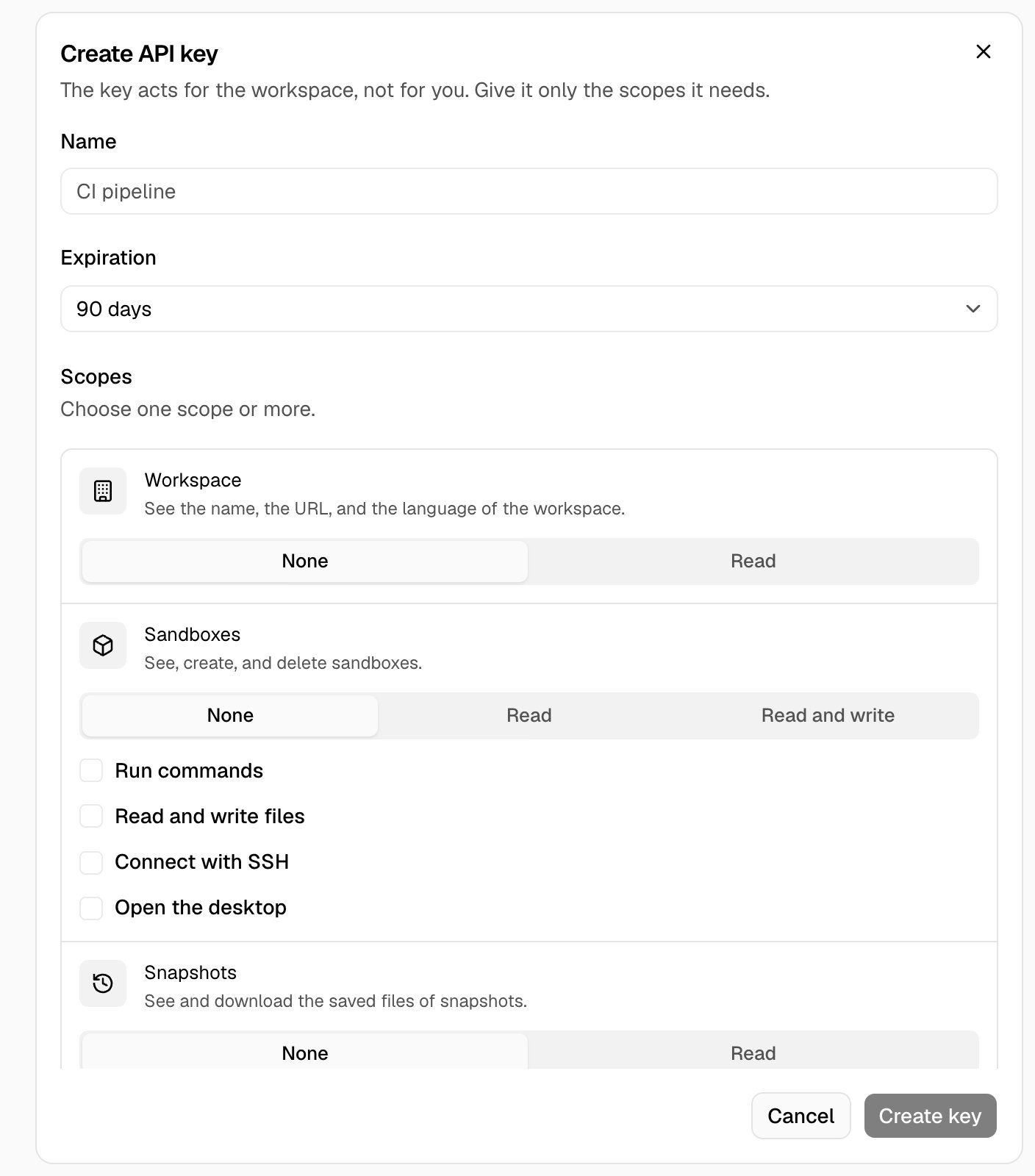
2
Send the request
Save the code in
first-request.ts. Replace <your-api-key> with the key. Then run bun first-request.ts.