

Help me connect an agent.
Before you start
- Get the link and the 6-digit code from the agent.
- If the agent asked for your email, sign in with that email. Only that account can enter the code.
- The code works for 10 minutes. The page accepts 5 wrong codes.
Enter the code
1
Open the link and sign in
Open the link from the agent. If you are not signed in, sign in or create an account.
2
Check the access and enter the code
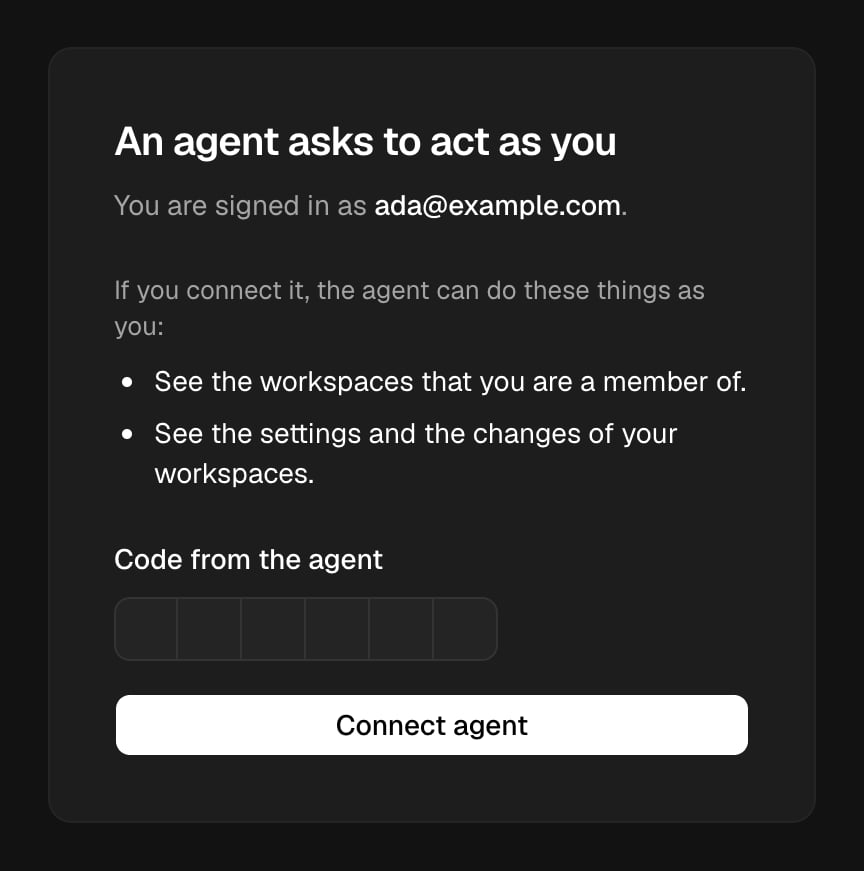
Read what the agent can do as you. Type the 6-digit code from the agent, then choose Connect agent.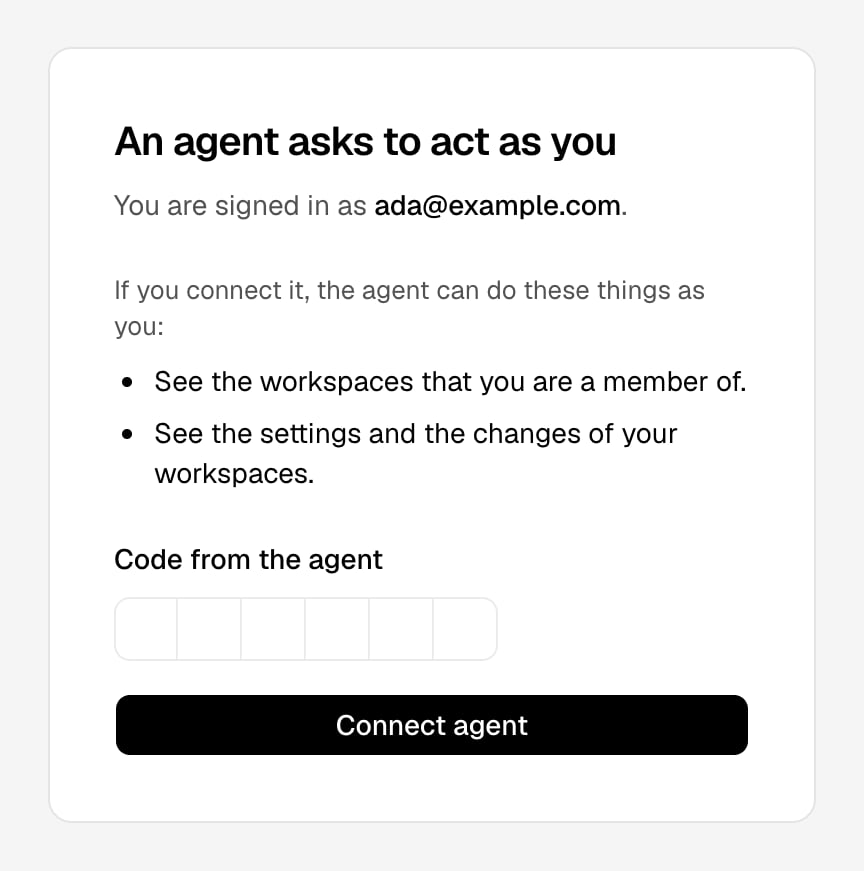
See and disconnect your agents
1
Open Profile
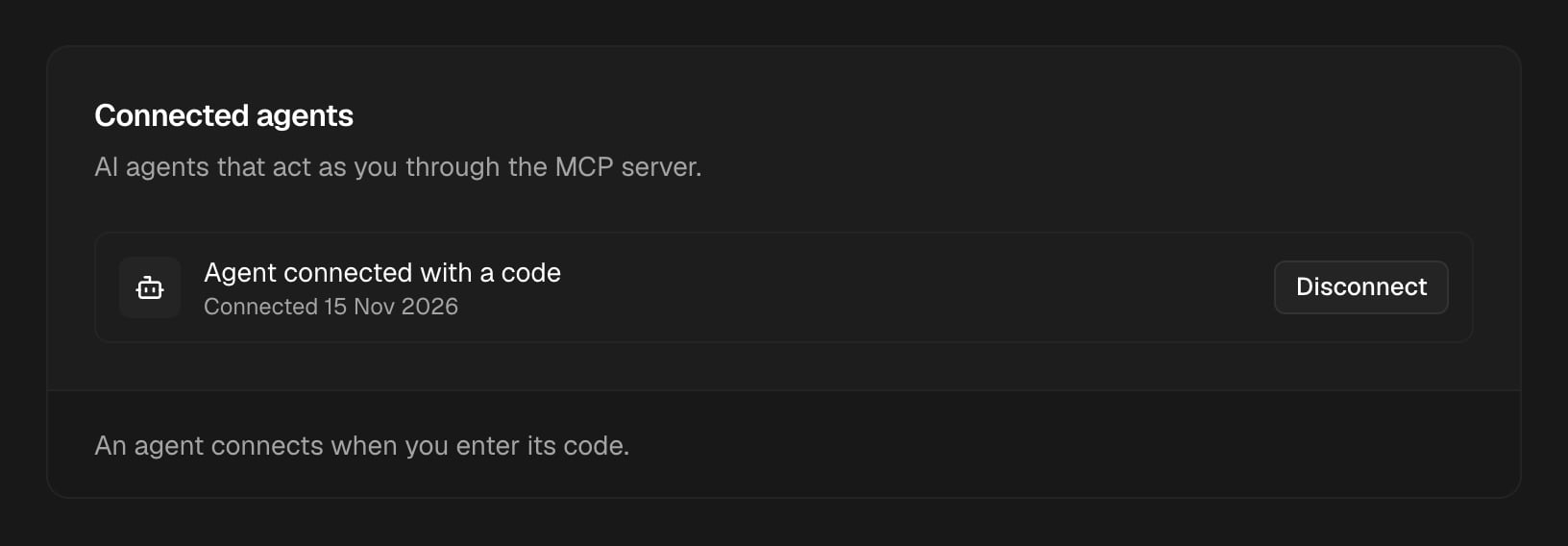
Open the user menu at the bottom left of the sidebar. Choose Account settings. Find the Connected agents card.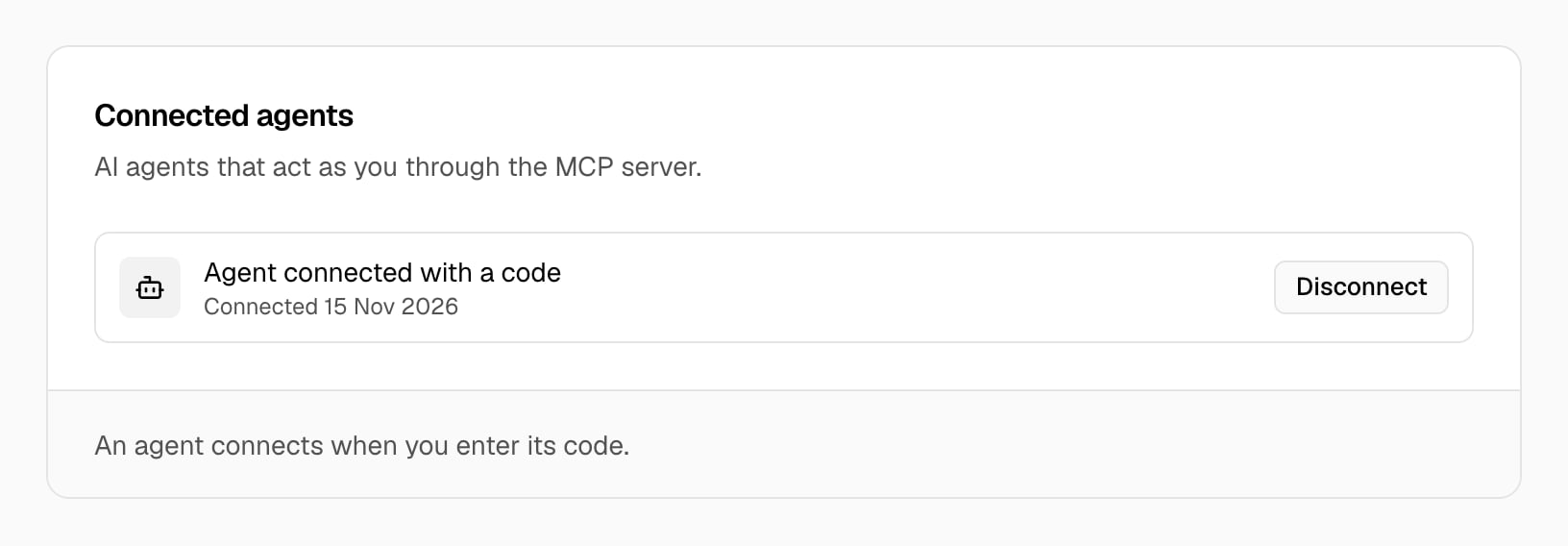
2
Disconnect the agent
Choose Disconnect next to the agent. In Disconnect the agent?, choose Disconnect.
Troubleshooting
The code is not correct.
The code is not correct.
Check the code that the agent shows, and type it again. After 5 wrong codes, ask the agent for a new code.
This code expired.
This code expired.
The code works for 10 minutes. Ask the agent for a new code. The agent gets a new code for the same registration for up to 24 hours.
Sign in with a different account
Sign in with a different account
The agent asked for a different email. Choose Switch account, then sign in with the email that you gave to the agent.
This link is not valid
This link is not valid
The link is wrong, or the registration was disconnected. Ask the agent for a new link.