Guide me through the first workspace.
Before you start
You need a work email address that you can open.1
Sign in
Type your Work email, then choose Email me a sign-in link. Open the email and choose the link.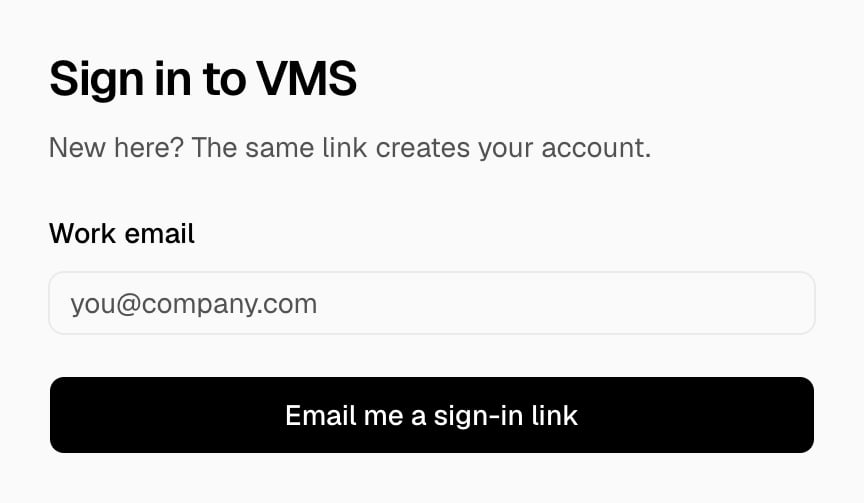
2
Create the workspace
In Create a workspace, type your First name and Last name, the Workspace name, and the Company website. The URL fills in from the name. Choose a Default language, then choose Create the workspace.The workspace opens on its Overview page.

3
Invite a member
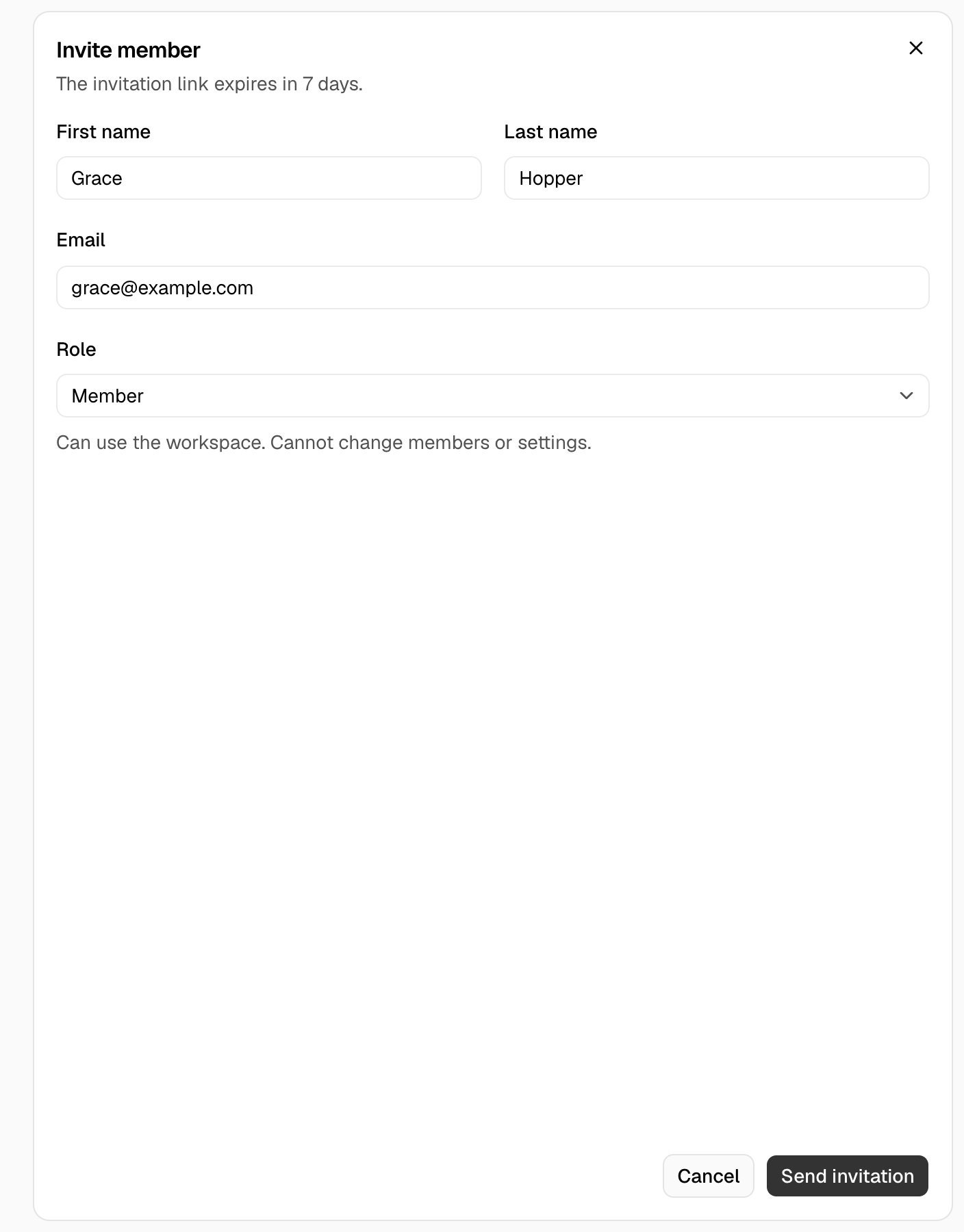
In the rail, choose Settings, then Members. Choose Invite member, type the First name, the Last name, and the Email, choose a Role, and choose Send invitation.