

Help me sign in.
Sign in
Go tohttps://vms.dev and choose Sign in, or go to https://vms.dev/sign-in. If you are signed in, https://vms.dev opens your workspace.
1
Ask for a sign-in link
Type your Work email, then choose Email me a sign-in link.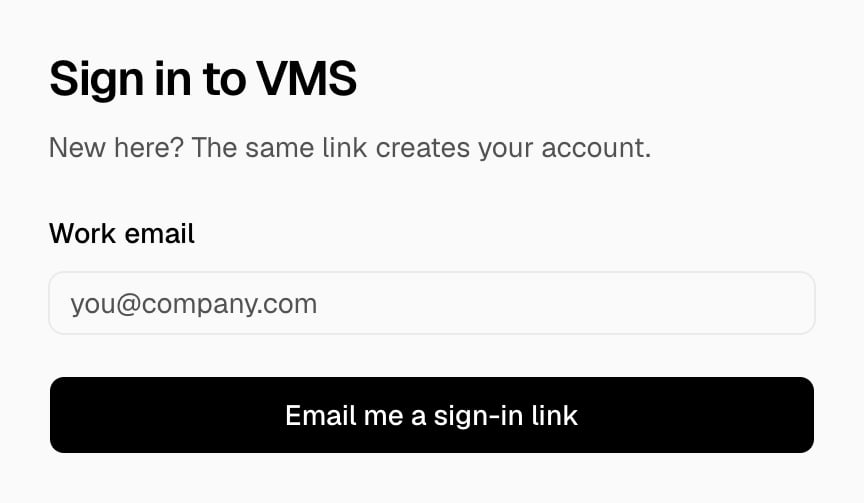
2
Open the link
Open the email and choose the link. The link works for 15 minutes and one time only.
Sign out
Open the user menu at the bottom left of the sidebar, then choose Sign out.Troubleshooting
This sign-in link expired. Send a new one.
This sign-in link expired. Send a new one.
The link works for 15 minutes. Ask for a new link.
This sign-in link is not valid. Send a new one.
This sign-in link is not valid. Send a new one.
Each link works one time. Ask for a new link, and use the newest email.