

Get help to set up my profile.
Before you start
Sign in to your account. Each role can change its own profile.Change your profile
1
Open Profile
Open the user menu at the bottom left of the sidebar. Choose Account settings.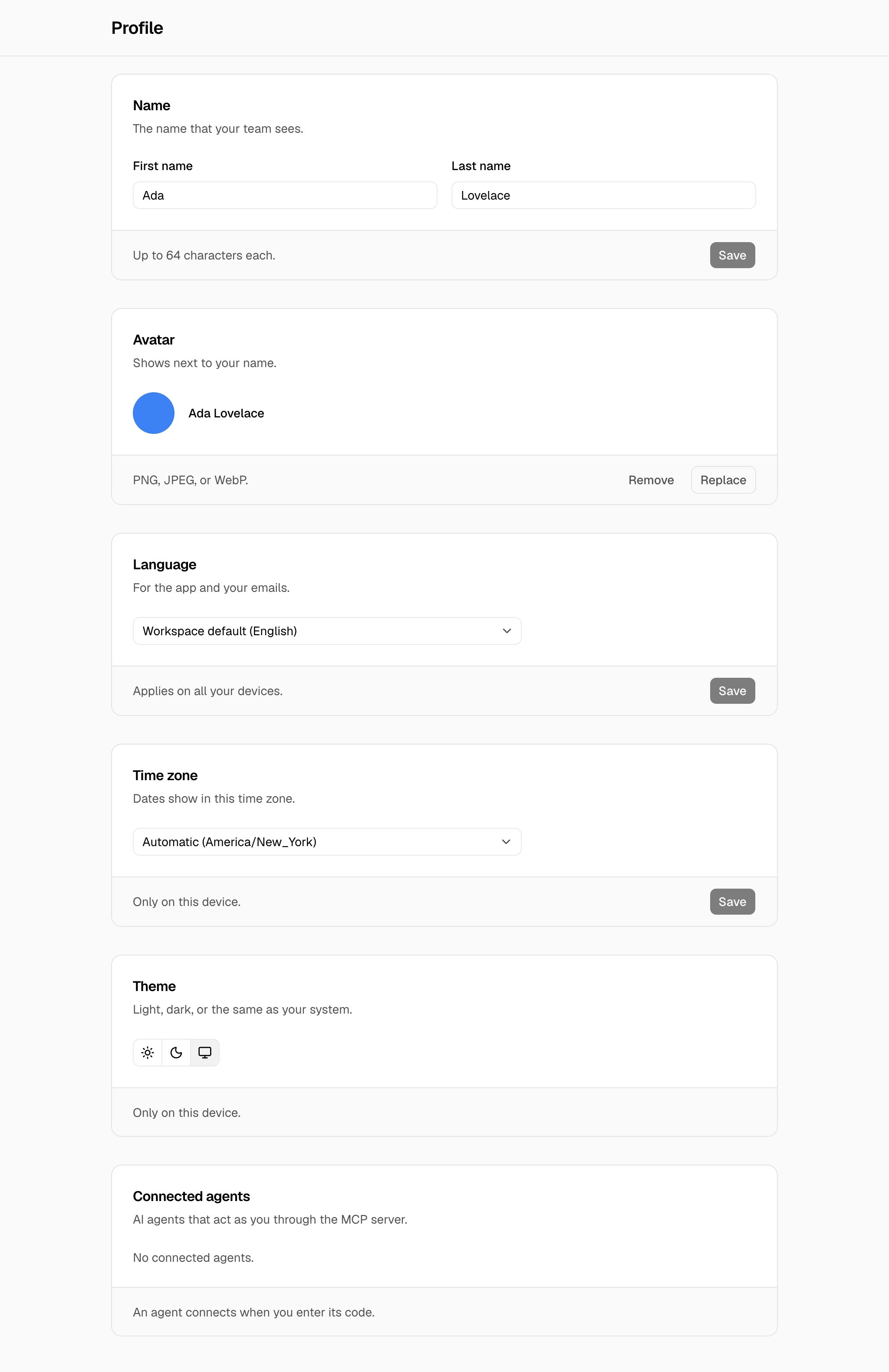
2
Save the new value
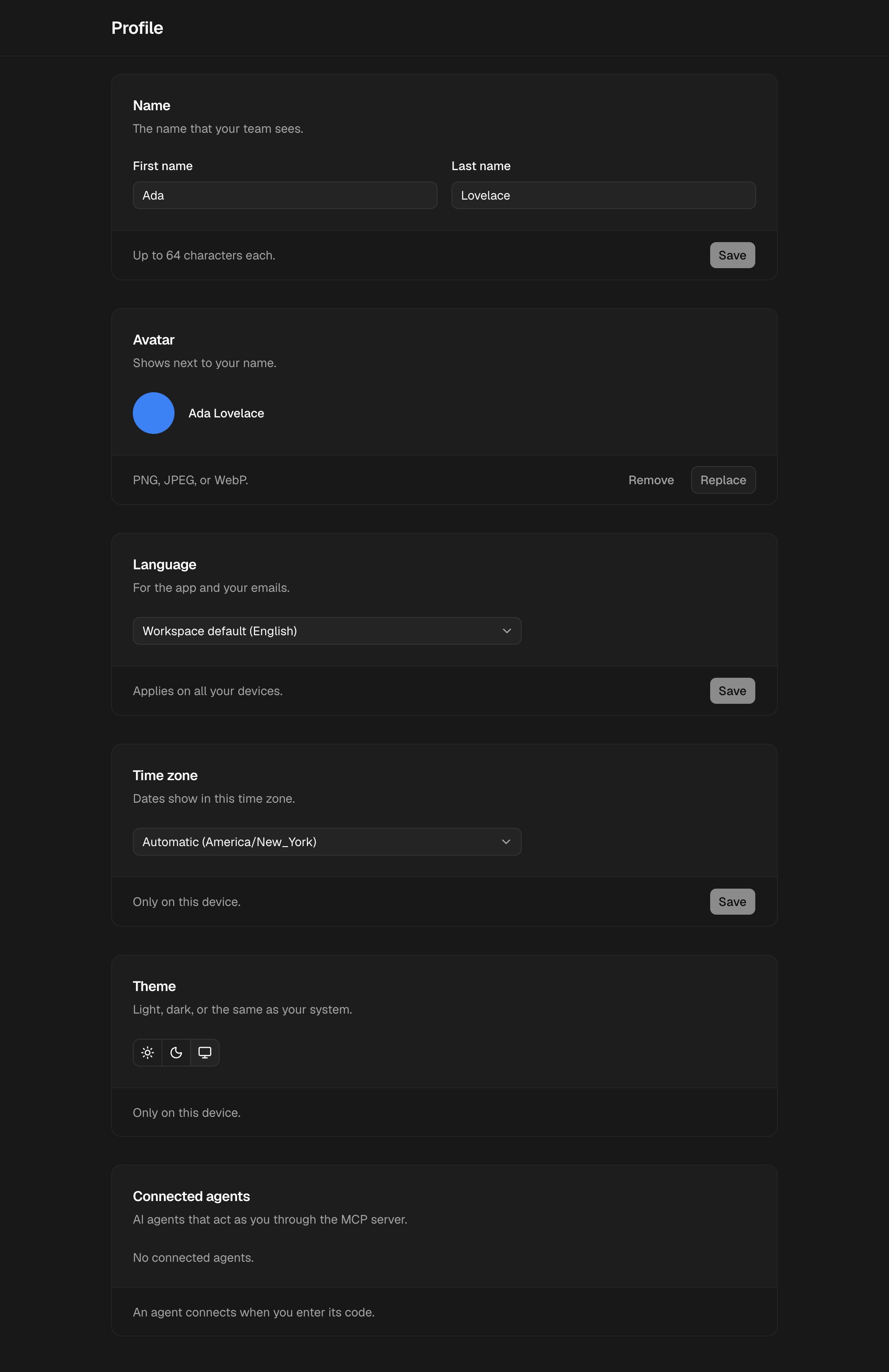
Change a value, then choose Save in that card. Avatar and Theme save when you change them.
Troubleshooting
Use an image of 2 MB or less.
Use an image of 2 MB or less.
The image is too large. Make the image smaller, then upload it again.
Use a PNG, JPEG, or WebP image.
Use a PNG, JPEG, or WebP image.
Other image types do not work. Save the image as PNG, JPEG, or WebP, then upload it again.
The theme or the time zone is different on a different device
The theme or the time zone is different on a different device
The theme and the time zone apply only on the device where you set them. Set them again on each device.