

Help me change the workspace settings.
Before you start
You need the Owner or Admin role to change a setting. You need the Owner role to delete the workspace. See roles and permissions.Change a setting
1
Open General
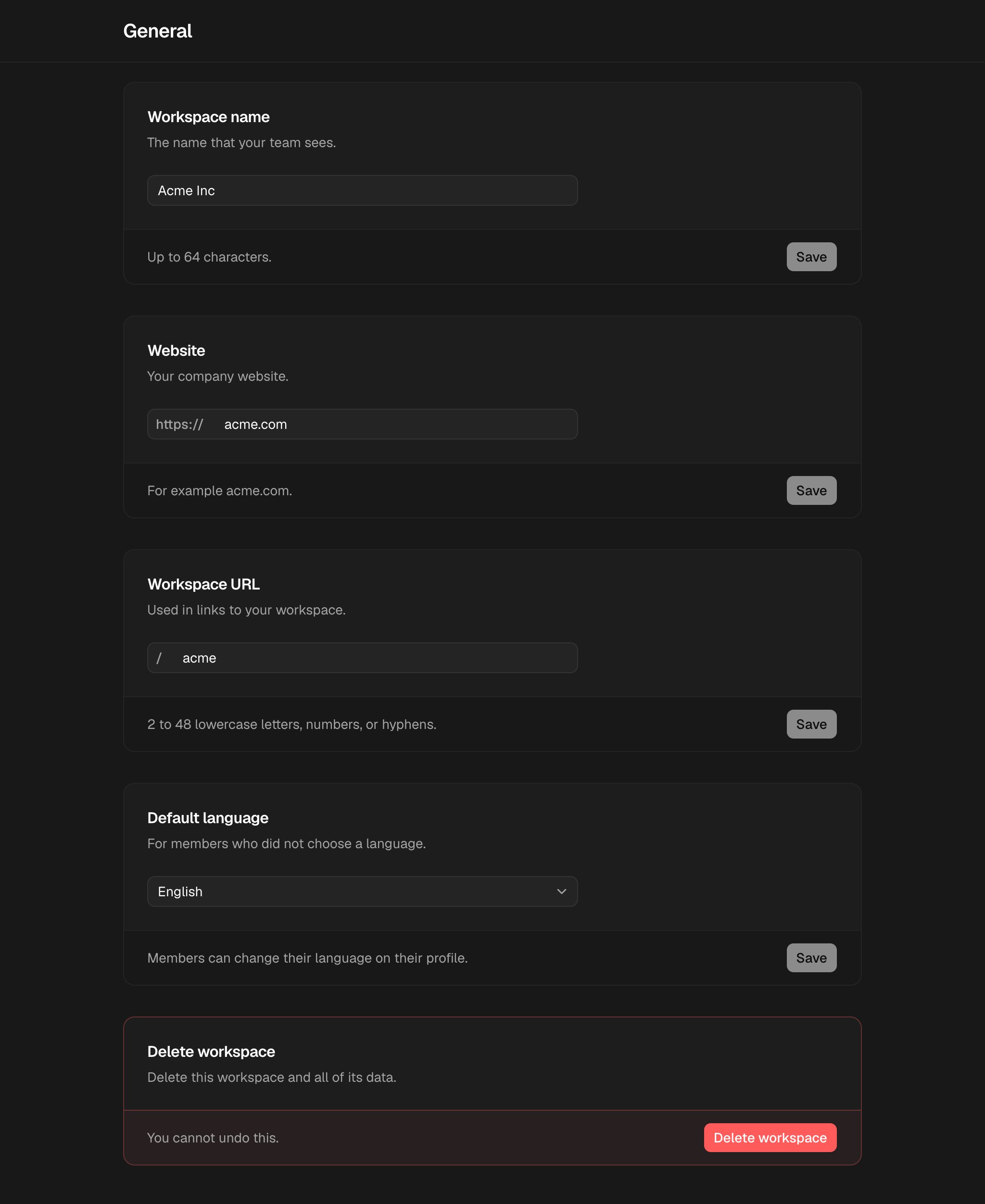
In the rail, choose Settings. The General page opens.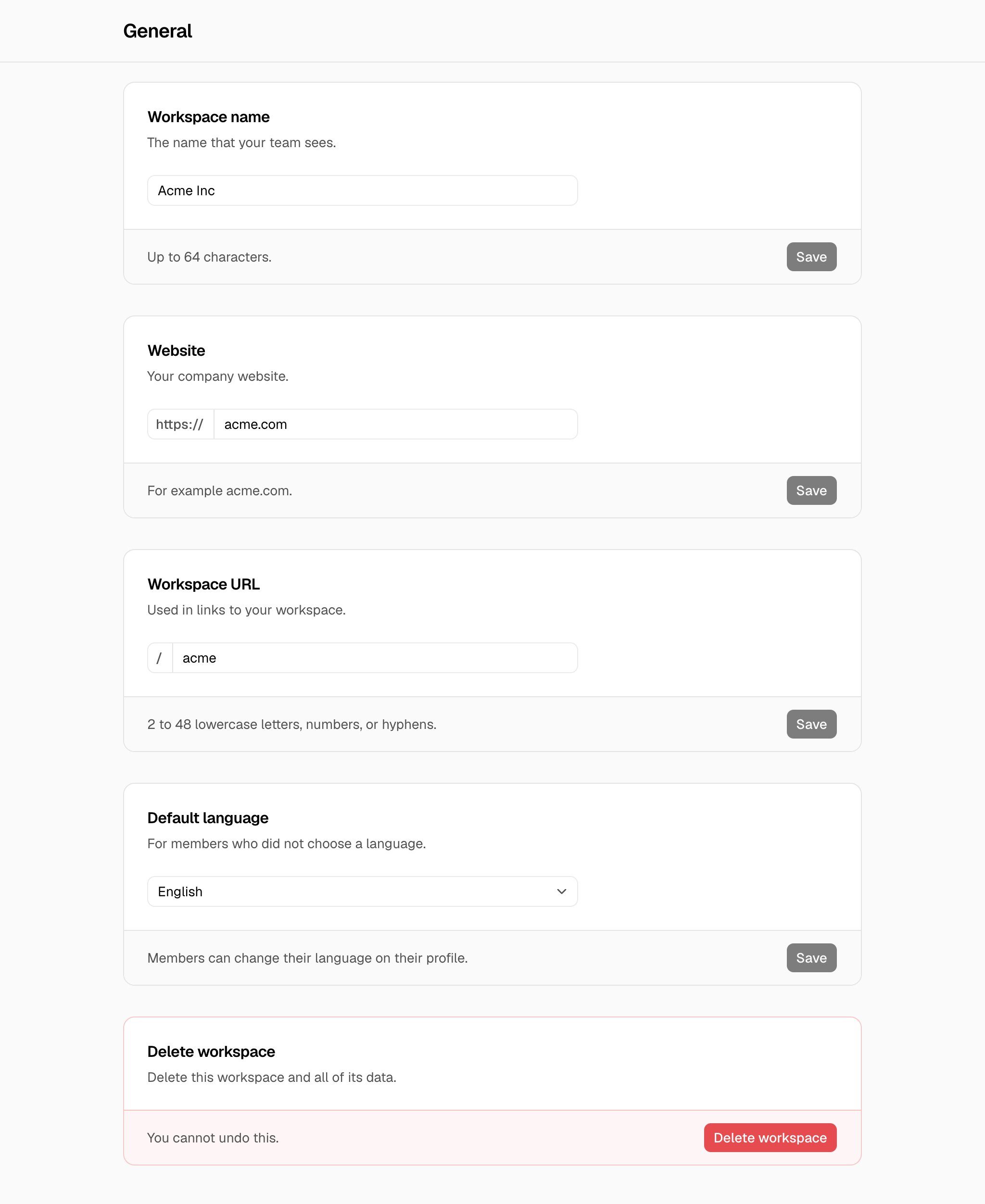
2
Save the new value
Change the value in a card, then choose Save in that card.
Delete the workspace
- In Delete workspace, choose Delete workspace.
- Type the name of the workspace, then choose Delete workspace.
Troubleshooting
This website is not valid.
This website is not valid.
Type a domain, such as
acme.com. You can also type a full address, such as https://www.acme.com/about. Only the domain is saved.This URL is reserved. Choose a different URL.
This URL is reserved. Choose a different URL.
The app uses this word for a page, such as
settings or setup. Choose a different URL.Only owners and admins can change this setting.
Only owners and admins can change this setting.
You have the Member role. Ask an owner or an admin.